Technique

Posted on: Feb 03, 2025
About 1 year ago
380
90
2
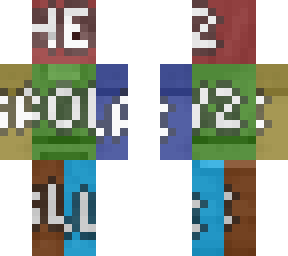
Step 1. Select prepared wood texture player model skin version downloaded from device browser or customly cropped version of wood texture.

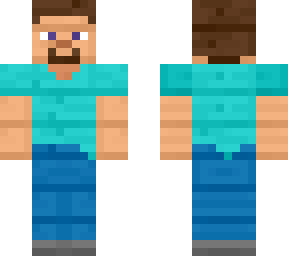
Step 2. Select Steve (Example) skin to cover up wood texture Minecraft skin displayed in 2D format.

Step 3. Shift transparency tone appropriately to see through wood skin texture beneath Steve.

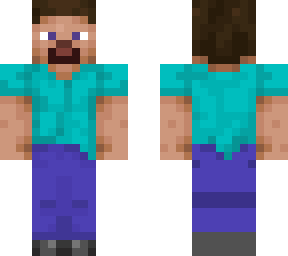
Step 4. Combine the skins files altogether to become one file piece, then tune saturation, contrast and brightness sections only to a suitable range.

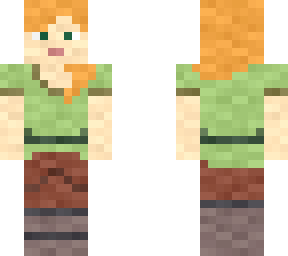
Note: Same with all other material/objects textures of Minecraft model skins that's supposingly white and grey only, vice versa for Slim/Alex format textures.
Show More
Show Less

advertisement

Upload Download

Embed codes


Similar skins

Comments: 1

Oooo, wooden steve