Technique

Posted on: Feb 02, 2025
About 1 year ago
136
24
1
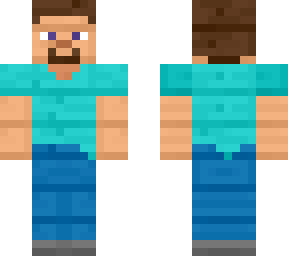
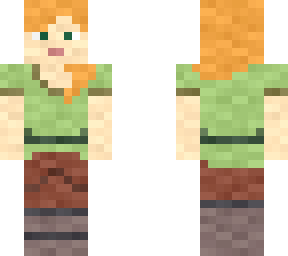
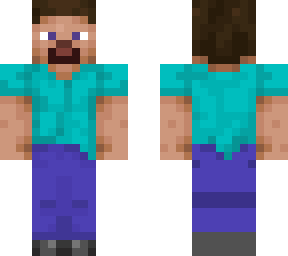
Step 1. Select Minecraft skin image file from local device gallery application.

Step 2. Choose filter option "sharpen" choice.

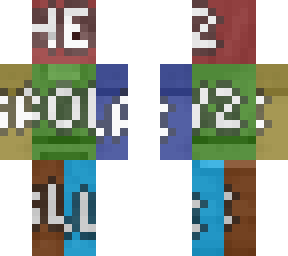
Note: Image will become brighter and darker areas such as darker/more vibrant colour spots, specific structures of clothing areas or specially coloured areas outer of skin such as skin watermarks will all be effected as very colour saturated and contrasted. Due to the image was filtered as 2D format, the image will not follow each and every sides of surface to be align, adjacent of balanced colours mass. An interior line that takes up to mostly 1 pixel tall heightened and width lengthed should trace around the whole skin image file. The more "sharpen" effect was used, the more the skin file gets whiter in colour.

Alex is a character of Mojang AB. All rights reserved.
Show More
Show Less

advertisement

Upload Download

Embed codes


Similar skins

Comments: 0