Technique

Posted on: Feb 02, 2025
About 1 year ago
165
33
1
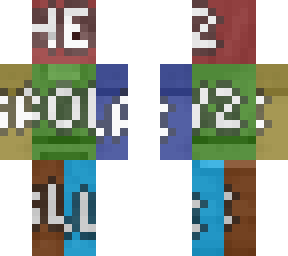
Step 1. Get to understand whole image skin file's 12 major sectors of Minecraft skin body parts outeside and inside of both 2ND and 1ST layer:

Crimson: 1ST layer Head
Brick: 2ND layer Head
Tangerine: 1ST layer Right Legging
Leaf: 1ST layer Body Torso
Lemon: 1ST layer Right Arm
Chocolate: 2ND layer Right Legging
Matcha: 2ND layer Body Torso
Swamp: 2ND layer Right Arm
Sapphire: 2ND layer Left Leg
Cyan: 1ST layer Left Leg
Ocean: 1ST layer Left Arm
Blueberry 2ND layer Left Arm

(Respective colours corresponds the body parts all mention above, click "edit" to inspect all 1ST layer body parts.)

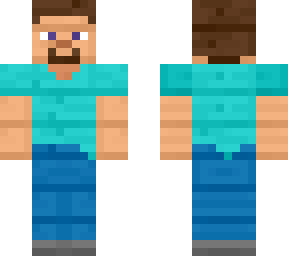
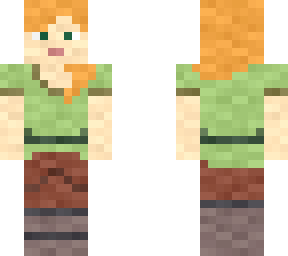
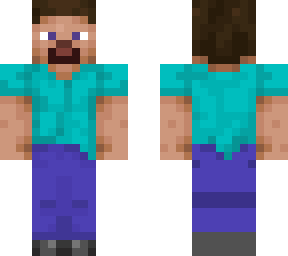
Step 2. Select specifically prepared 6464 Minecraft skin of Steve/Classic arms format from device local gallery application internally.

Step 3. Tune the whole skin of Step 2. to grey scale and adjust the skin file to become monotone coloured, preferably not as too smoothened that the skin is no longer recognisable on the iconic first impressions.

Step 4. Cover the skin with the colour reference body skin image file above preprared skin file.

Step 5. Tune the colour reference body skin image file to become semi-transparent that sees through prepared skin file slightly, or significantly.
Show More
Show Less

advertisement

Upload Download

Embed codes


Similar skins

Comments: 0