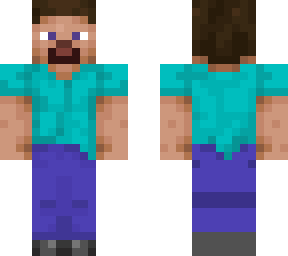
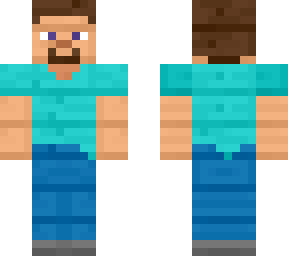
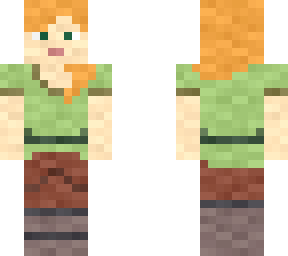
Technique

Posted on: Jan 31, 2025
About 1 year ago
452
48
0
Step 1. Insert selected image file from internal device local gallery application.

Step 2. Duplicate 1ST layer of head and put it onto blank space of 2ND layer blank space. Make sure nothing at all is occupied in the space.

Step 3. Erase eye's white and pupils from 2ND layer, at the meantime enlarge base 1ST layer's eye whites to be approximately 33, remaining 1 pixel of pupil in the middle of "eyeball's white" to only left 8 surrounding pixels behind.

Step 4. Move skin model around to observe an "look all around" optical illusion like phenomon from Minecraft skin. Pupils will significantly follow along once the skin is dragged left and right hand side turning around.

Note: This will work better on 128 resolution skins with more pixelations on skin canvas head part. Due to the second layer was being used the character's head will also be apparently bigger.
Show More
Show Less

advertisement

Upload Download

Embed codes


Similar skins

Comments: 0