Technique

Posted on: Jan 31, 2025
About 1 year ago
235
34
0
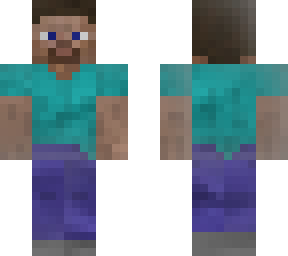
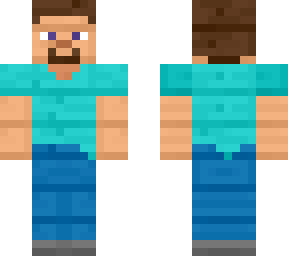
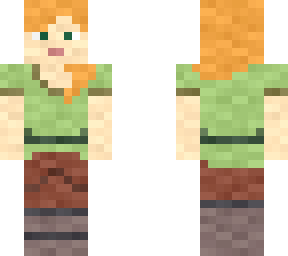
Step 1. Select any example skin file, be sure to have the original source to be .PNG files instead of .JPEG file. If it is a .JPEG file, manually or automatically select the white background areas to erase by either method.

Step 2. Blur edges of the skin by selecting "blur edges" option in 3RD party image editor application.

Step 3. Insert a normal duplicated skin of example, and use the blurred edges skin to over lay and cover it manually.

Step 4. Add shadows for the file and put it underneath of the blurred edges image and on top of normal duplicated skin, thus manually choose the dimness and brightness of shadows.

Step 5. Clear extra transparent pixels from outerior 2ND layer areas.

Note: Add "Combi" filter effects manually by personal choice, common choices includes Vignette, Paper, Scratch & Noisy.
Show More
Show Less

advertisement

Upload Download

Embed codes


Similar skins

Comments: 1

Hello Yorthav, I am a huge fan of your work and would like to clarify that I reposted this skin with Herbrine eyes and would like your permission to keep it up. Comment on the skin I made to tell me if I should take it down or not. This is the link to the skin:

https://www.minecraftskins.com/skin/23059750/herobrine-in-the-fog/