Technique

Posted on: Jan 31, 2025
About 1 year ago
1228
137
1
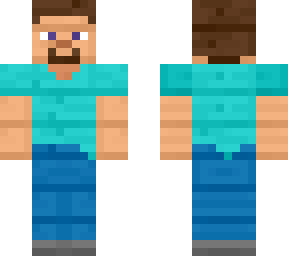
Step 1. Choose PlanetMineCraft PMC specific Classic/Steve 6464 resolution display file from preferred browser.

Step 2. Download a wanted reference of said type of display image from preferred browser.

Step 3. Select display image finding it from internal local device gallery application and crop image to appropriate length that doesn't have anymore extra blue boarder or text.

Step 4. Optionally get smooth or no smooth effect from same website of "https://mcskins.top/", select resolution of either 128 or 64 and crop image to skin.

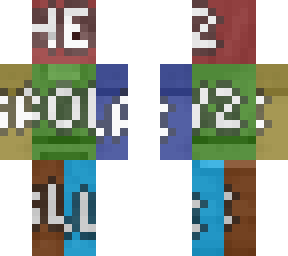
Note: In order to create the similar smoothened effect that contains blurry or unclear filters alike as VHS textures from skin cropping, this is a following list of photos and websites variant options that most considerably satisfying to convert from:

PlanetMineCraft Corpped Display Images
PixelGun3D Skin Editor Custom Screenshots
Filtered with special effects Skindex Embed Codes Images
Any other Image files of Minecraft Skin's Front and Backside

Because other websites such as Nova-skins, NameMC, MCskins.net or Tynker may display 3D models of model running postures or animated motions, those websites are not the best choices to experiment with.
Show More
Show Less

advertisement

Upload Download

Embed codes


Similar skins

Comments: 1

The equation symbol of multiply does not appear on Skindex, think with logic and do the math yourselves.