Technique

Posted on: Jan 31, 2025
About 1 year ago
316
51
0
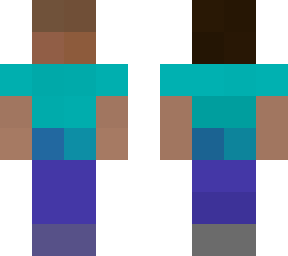
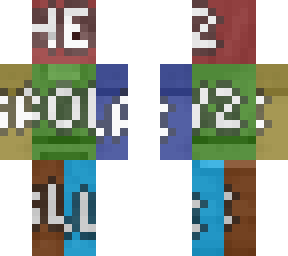
Step 1. Mosaic processing the whole skin file by choosing the mosaic option, for a 6464 skin it should look as the head contains 44 8pixels each side, all the limbs 13 pixels of top and bottom 1 pixel space consumed plus each four sides from left, right, front, back to be 3 pixels long on all four sideways. Torso should be 23 pixels of top and bottom to be 21 2 pixels space consumed on left and right sideways plus 23 6 pixels long on frontal and backside direction.

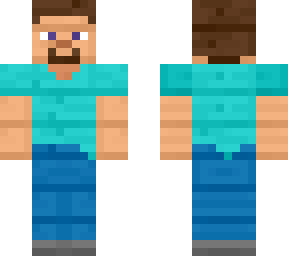
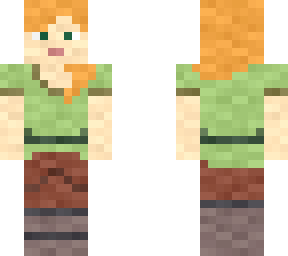
Note: In total after the whole skin image file being mosaic processed, the file should normally contain 88 pixels only and approximately. (Head: 18, Limbs: 56, Torso: 24, Classic/Steve model.) The colours will usually generate to the nearest and largest colour scale to void out misc details features such as eyes, mouth, nose, cloth patterns, knees, elbows, majority of more detailed hair pattern and pants, shoes, t-shirt pattern of Steve automatically as the current released skin result. A higher resolution can be scaled up as 44 as this customised style is known as 8-bit.
Show More
Show Less

advertisement

Upload Download

Embed codes


Similar skins

Comments: 1

The equation symbol of multiply does not appear on Skindex, think with logic and do the math yourselves.