Technique

Posted on: Jan 31, 2025
About 1 year ago
220
28
0
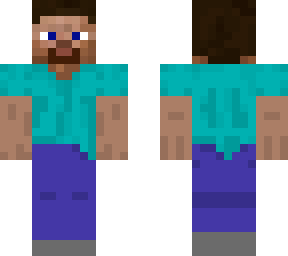
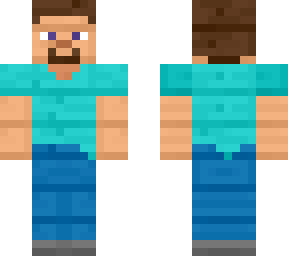
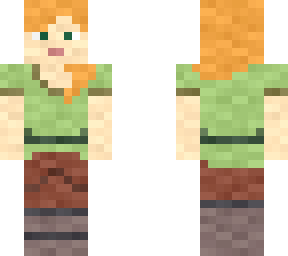
Step 1. Select skin image file in device's 3RD party image editor application of preference, either Minecraft related or unrelated 3RD party image editors should work the same.

Step 2. Select extra skin image file that contains 2ND jacket layer, and overlap the extra skin image file with original skin image file.

Step 3. Duplicate the original skin image file with another replicated original skin image file via selecting same files from local device internal gallery application. Create 1ST and 2ND layers of all skin canvas space of all approximately 3264 available pixels* to be fully covered by skin pixelations. (* Half of the available pixels contains approximately 1632 pixels as one 1ST/2ND layer)

Step 4. Area select erasing extra space outerior of 2ND layer by choice outwardly instead of inverted order.

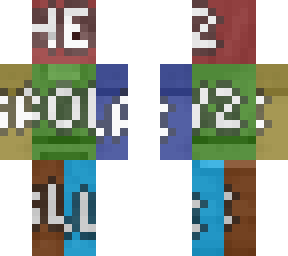
Step 5. Duplicate processed Step. 4 result and overlay on 1ST layer alternatively and tone it to an appropriate dimness to create shadowy layers effect.

Note: Whole process should be recreated under an aspect of 2D view of perspective of 3RD party image editors or 2D Minecraft skin editors. Embed code skin of 2D display image will void the effect for now.
Show More
Show Less

advertisement

Upload Download

Embed codes


Similar skins

Comments: 2

AHHHH
The equation symbol of multiply does not appear on Skindex, think with logic and do the math yourselves.