


Step Two Hair shading Tutorial

Posted on: May 31, 2016
About 10 years ago
5
346
29
0
Show More
Show Less

Similar skins


EmmasBases
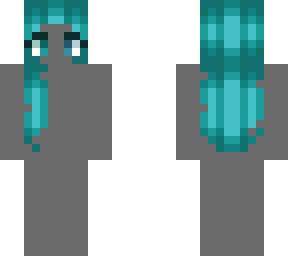
a shade lighter than what you had. Put them diagonal from each other.Do this on each side (left and right). Whenever I say get a shade lighter, you press x on your keyboard. Whenever I say get a darker color you press z on your keyboard. Press x again to get another shade lighter. Fill in the three diagonal pixels (?) on each side (left and right). That is it for step two! Step three coming in a couple of minutes!
EmmasBases
Typing...
Downloading in 10
Advertisement


Give a thumbs up to show support for the creator. It means a lot!
Comments: 2