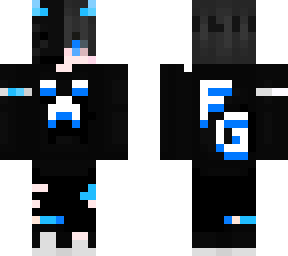
Fyson

Posted on: Jul 04, 2025
About 11 months ago
102
26
0
Hey,
This skin is Created By Fyson Gaming on YouTube

I hope you like this skin of minecraft

how to use?
1 - Download the skin
2 - Open your Minecraft
3 - Click on dressing room
4 - delete a simple skin or add a new classic skin
5 - In sidebar you can see a blank skin click on that
6 - Click On Choose Skin
7 - select your gallery
8 - Find and add the downloaded skin
9 - Enjoy your skin [Subscribe On YouTube Fyson Gaming ]
Show More
Show Less

advertisement

Upload Download

Embed codes


Similar skins

FysonYT's other uploads

Comments: 0