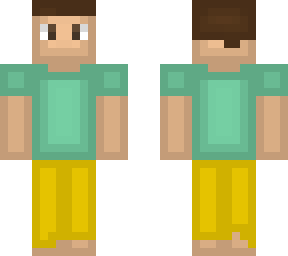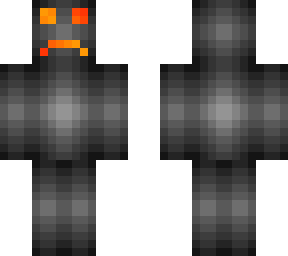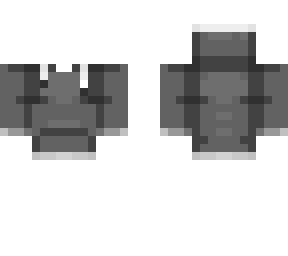
EZ Shading tutorial

Posted on: Jan 28, 2023
About 3 years ago
25
17
0
Go to https://www.pixlr.com/e/ and open your Minecraft skin, then, select a face of your skin (such as the front face of your torso) and click on filter on the top bar and click on inner glow. After that, change the glow color to whatever you want, I recommend black. Set the glow size to 3, then set feather to 100%, and finally, set the opacity to 20%. That's it!
Show More
Show Less

advertisement

Upload Download

Embed codes


Similar skins

Comments: 0