


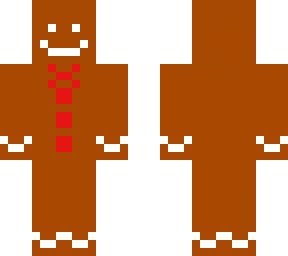
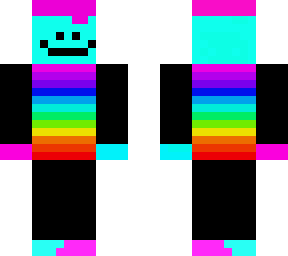
GINGY

Posted on: Nov 22, 2022
About 3 years ago
5
162
55
1
Show More
Show Less

Similar skins
ThatOneGuyMrDuck
Thank you check out my Charlie Brown

AveryjKing
Wow that is good you made mr duck nice job
ThatOneGuyMrDuck
thank you

JoyIsNotHere
gingy is really cute :)
ThatOneGuyMrDuck
Im still confused

LegendGamer1X
Once You learn how to do effects, then shading, you will become a pro skin maker like some of my friends and me
LegendGamer1X
I am going to bed in 10 mins
LegendGamer1X
Disable is black, and enable is orange
LegendGamer1X
Ok, so when you are editor, below the color circle thing there are two boxes the left one saying body, and the right one saying outer layer, disable outer layer, keep body enabled. What I do is I make a pattern of different colors, (you know what You have my permission to push edit on the example I showed you, you are only looking at how it works, and you are not to copy!, What you do is you disable the outer layer so you see what the color pattern I did looks like then you enable the outer layer once again, keep outer layer enabled, and disable body so you see what the outer layer pattern I did look like, once you see how the outerlayer and body patterns look like separately, enable the body once again and you will get what my example looks like the way it is now.
ThatOneGuyMrDuck
nice
Downloading in 10
Advertisement


Give a thumbs up to show support for the creator. It means a lot!
Comments: 27