TUTORIAL - Effects

Posted on: Aug 09, 2022
About 3 years ago
169
53
0
+read desc+

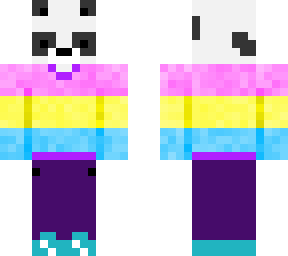
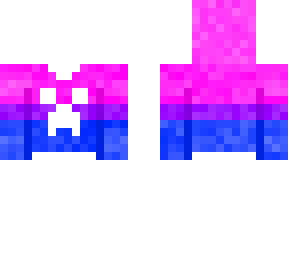
Firstly, create a diagonal colour gradient across the body. You can do this by drawing a diagonal line, moving the colour wheel a tiny bit, and draw a diagonal line next to it. repeat this until it is complete. Then, make a checkered pattern with a solid colour such as black and white. Then, on the outer layer, create another checkered pattern of the same colour, but on opposite squares this time.

Congratulations, you have successfully made a skin with effects! I hope this tutorial was very helpful!
Show More
Show Less

advertisement

Upload Download

Embed codes


Similar skins

Comments: 1

This tutorial is NOT affiliated with Skindex School, Skindex College, or any of the other skinning schools on this platform. I just thought it would be cool to do :)