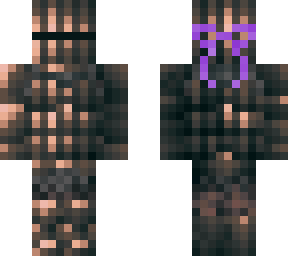
Skin Gradient Tutorial

Posted on: Jul 11, 2022
About 3 years ago
280
33
0
1. In the Skindex skin editor, choose a starting color 2. There will be a color wheel and a square in the middle of it for saturation. I didn't change the square making this skin but it is optional. 3. Slowly change the color wheel from one color to another. In this example I went from purple to blue. For a smoother gradient change it very slowly. You can see the gradient is choppier on the skin. That's because I rushed it slightly. Patience is key to a smooth gradient And that's It!
Show More
Show Less

advertisement

Upload Download

Embed codes


Similar skins

Comments: 0