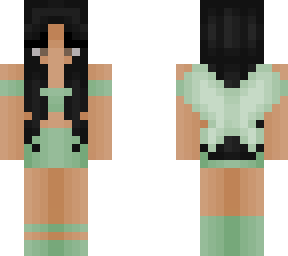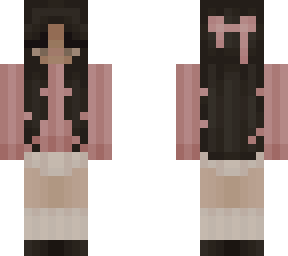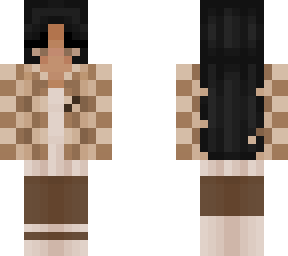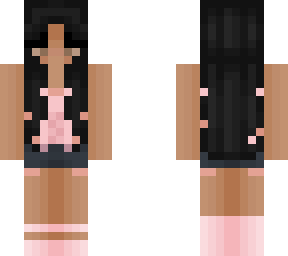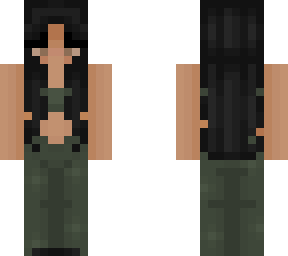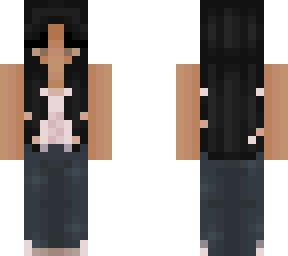
Fairy Core Base

Posted on: May 16, 2021
About 5 years ago
287
134
0
+.* I N S T R U C T I O N S *.+

1. Download "Fairy Core Mesh" and "Fairy Core Base" (Both can be found on my profile)

2. Go to pixlr.com/x/#editor

3. Click open image, then select "Fairy Core Base"

4. Click the plus sign in the bottom right corner

5. Select image as the type of layer you would like to add, then select "Fairy Core Mesh"

6. Right click "Fairy Core Mesh" in layers and change the transparency to 50

7. Click save, then click download

8. Lastly, upload to Minecraft !!
Show More
Show Less

advertisement

Upload Download

Embed codes


Similar skins

Comments: 0