Tutorial for SlipperyOfficial (kinda)

Posted on: Apr 29, 2021
About 5 years ago
40
21
0
show more

Okay. I will try my best to explain this.

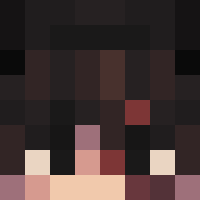
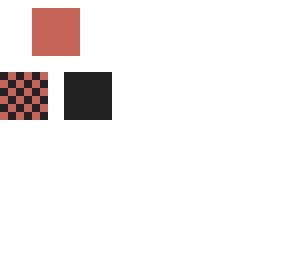
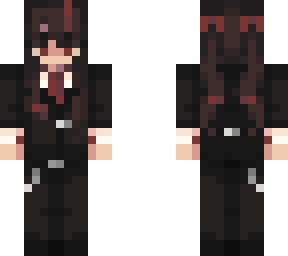
1. Chose a colour! It can be pretty much any colour. Now you fill the space for the effect with that color.
I chose just to do it with a square.

2. Make a pattern on your color like i did (the sqare that is redand black)

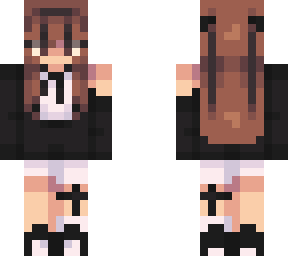
3. Then you have to swich the outer layer. Fill in the space where you can see color. Then you have the effect.

I recommend pressing edit on this skin if you dont understand what i mean. Its easier and i learned it that way (thats why i cant really explain it)

I might delete this xD
Show More
Show Less

advertisement

Upload Download

Embed codes


Similar skins

Comments: 2

ohhhhhhhhhhhhhhhh there is a button with back and front layer... THX
No problem <3
ohhhhhhhhhhhhhhhh there is a button with back and front layer... THX