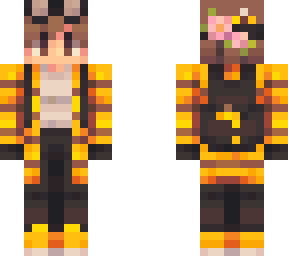
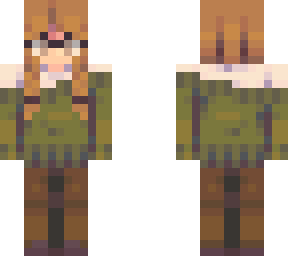
-Transparency Tutorial- (in comments)

Posted on: Jul 24, 2019
About 6 years ago
27855
988
7
READ DESC FIRST! - 2020 edit

The names are a bit outdated, and a few things were removed, e.g. Toggle Layer Settings
in Step 5.
Instead, click the 3 dots next to the selected layer. (The original layer, not the background layer.)
Then use the slider to make it transparent. 40 is a good level for glasses.
Show More
Show Less

advertisement

Upload Download

Embed codes


Similar skins

Comments: 20

TUTORIAL IS OUTDATED, no use following.
Did not work :(
it didnt really work for me i cant find it anymore maybe it was deleted in 2021
Maybe, can someone try to figure out how to do it again?
CAN SOMEONE PLZ HELP ME
I've followed the tutorial, however, when I use the skin in Minecraft the part of the skin I made transparent is completely gone, do u know why this is?
happened to me too when i edited it on clip studio its weird
thing
Here is the tutorial I made a while back on how to make skins transparent using Pixlr.com.
(READ FIRST)
The names are a bit outdated, and a few things were removed, e.g. Toggle Layer Settings in Step 5.
Instead, click the 3 dots next to the selected layer. (The original layer, not the background layer.)
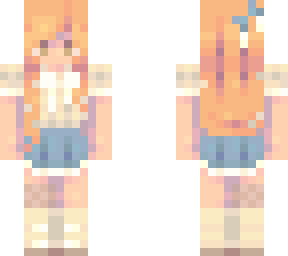
Then use the slider to make it transparent. I did 35 for this skin, which is a good level for glasses.
i found plixr and its a green screen
do any of you know how to make a semi transparent skin?
I've followed the tutorial, however, when I use the skin in Minecraft the part of the skin I made transparent is completely gone, do u know why this is?
Here is the tutorial I made a while back on how to make skins transparent using Pixlr.com.
(READ FIRST)
The names are a bit outdated, and a few things were removed, e.g. Toggle Layer Settings in Step 5.
Instead, click the 3 dots next to the selected layer. (The original layer, not the background layer.)
Then use the slider to make it transparent. I did 35 for this skin, which is a good level for glasses.
Hey, I think The tutorial is a bit outdated again. I don't see three dots on the editor ;-;